How do I let AI see my screen?
Give the assistant your operating system’s screen permission, then ask while the thing is visible. On a Mac that is the Screen & System Audio Recording list in Privacy & Security; Windows and Linux handle it differently, as described below. Ace asks during Setup and then looks only when you hold its hotkey and ask. Close anything private first, and switch the permission off whenever you like.

Free Play: 2,000 credits, no card. Ace by Black Label.

On a Mac
- Choose the Apple menu, then System Settings, then Privacy & Security in the sidebar.
- Click Screen & System Audio Recording.
- Turn on the switch next to the assistant. If it is not listed, click the Add button below the list and choose the app.
Ace’s Mac Setup walks through this permission and Input Monitoring. If macOS leaves Ace out of the list, Ace shows its icon beside the settings page: drag it into the list and switch it on. Apple’s own note on this setting is worth reading: whatever an app collects with it is governed by that app’s terms and privacy policy, so read those before you say yes.
On Windows
Windows 11 has its own privacy control over apps that take screenshots of windows or displays. Microsoft documents it as “Let Windows apps take screenshots of various windows or displays”, and on a work or school PC an administrator can force it on or off. If an assistant on a managed PC cannot see the screen, that policy is the first thing to ask your IT team about. Beyond that, a desktop assistant asks for what it needs during its own setup: Ace installs from your account, you allow what its Setup asks for, then you hold Ctrl + Shift and ask.
On Linux
Linux desktops differ in how they handle screen capture: some show a system dialog asking which screen or window to share, others let applications capture without asking. If a dialog appears, choose the screen you want the assistant to see. If the assistant still reports that it cannot see anything, look in your desktop’s screen-sharing or privacy settings. Ace runs on Linux as an AppImage, with a hotkey you choose.
On a phone
On a phone there are two routes: a screen-sharing session, where an assistant offers one, or a picture you choose, such as a screenshot or a camera shot. Ace Mobile, which runs in your browser, takes the picture route. To ask about something on the phone itself, take a screenshot and pick it; Ace’s privacy policy says selecting an image or screenshot sends that content when you ask and does not grant continuous access to other apps’ screens.
What leaves your computer when you ask
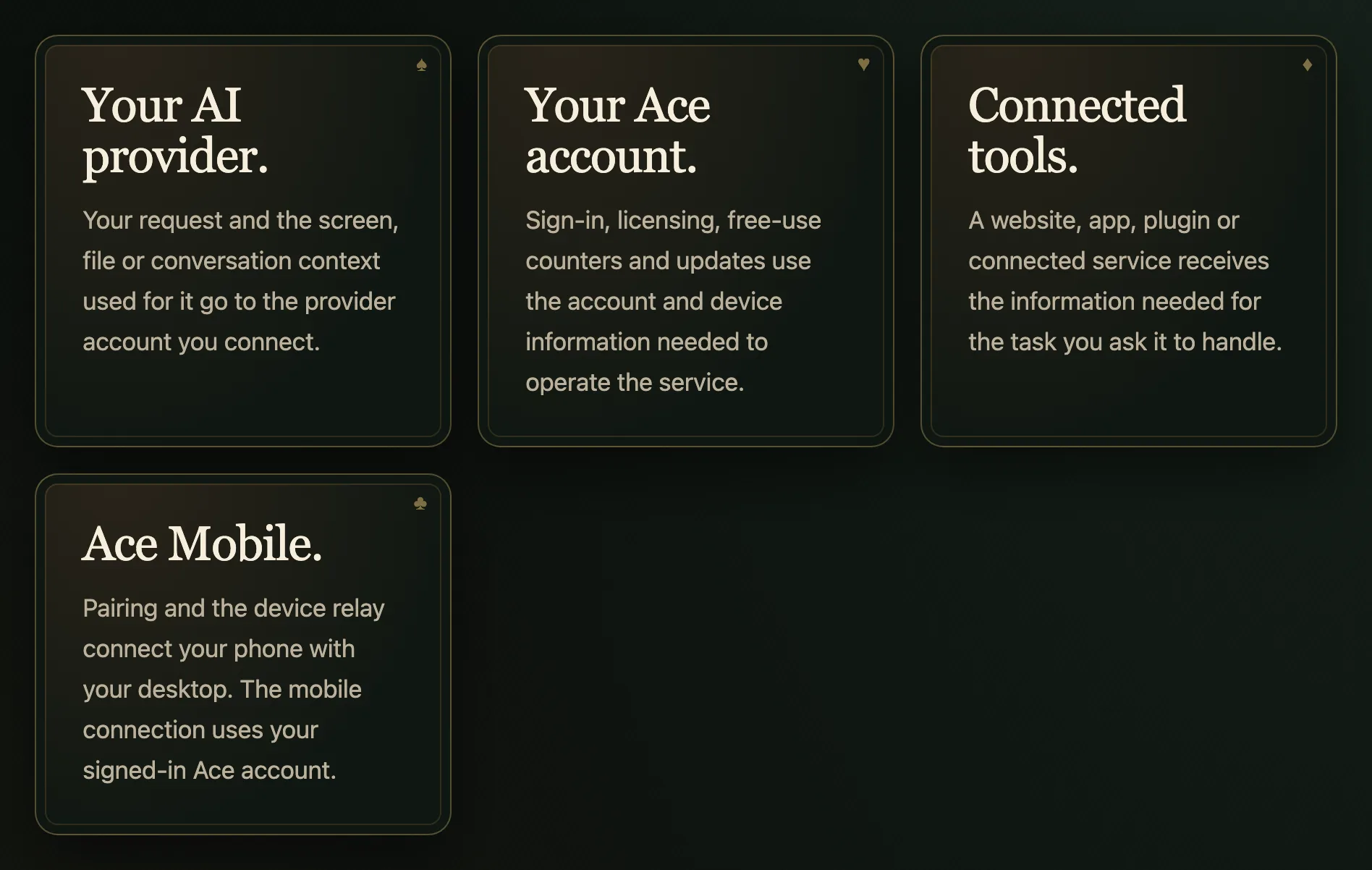
At the moment you ask, the capture travels with your question. With Ace’s built-in AI, the request goes to Ace’s services and the AI provider used for that feature; on Table Pass or Private Table it goes to your own ChatGPT, Claude or Grok account instead. Your files, recordings and work results are handled on your computer, and nothing is captured between questions.
A 30-second check before you ask
- Close or minimize banking pages, password managers, medical portals and private chats.
- Silence notifications for a moment, so a message preview does not land in the capture.
- Bring the window you are asking about to the front and scroll the relevant part into view.
- If only one detail matters, take a screenshot yourself, crop it, and share just that.
Switching it off again
On a Mac, turn the app’s switch off under Screen & System Audio Recording; you can turn it back on later. On a managed Windows PC, the screenshot policy can do the same job for every app at once. Turning the permission off stops new captures but does not change anything already sent; for that, use the company’s privacy contact, which for Ace is privacy@tryacee.com.
More from Ace
The full overview of how Ace helps with your screen is on tryacee.com/ai-on-screen.
Also asked
Is it safe to let an AI see my screen?
It is as safe as what is visible and who receives it. Choose an assistant that captures only when you ask, check who processes the capture, and close private windows first. With Ace, nothing is captured until you ask, and you can revoke screen access at any time.
Why does my Mac say the app wants to record my screen?
macOS uses one permission, Screen & System Audio Recording, for any app that captures the screen, whether it records video or takes a single capture for a question.
Do I have to allow the microphone too?
No. Screen access and the microphone are separate permissions. Without the microphone you type your question, and the screen help works the same way.
Why can the AI still not see my screen after I allowed it?
Check that the switch is on for the right app. On a Mac, Ace’s Setup shows its icon beside the settings page when macOS has left it out of the list, so you can drag it in. On a managed Windows PC, an administrator policy may block screen capture.
Where do I turn on screen access for AI on a Mac?
In System Settings. Choose the Apple menu, then System Settings, then Privacy & Security in the sidebar, and click Screen & System Audio Recording. Turn on the switch next to the assistant. If it is not listed, click the Add button below the list and choose the app.
How do I let an AI see my screen on Windows 11?
Install the assistant and allow what its own setup asks for. With Ace, you install from your account, allow what its Setup asks for, then hold Ctrl + Shift and ask. Windows 11 also has its own privacy control over apps that take screenshots of windows or displays, and on a work or school PC an administrator can force it on or off.
Does Linux ask permission before an AI captures the screen?
It depends on the desktop. Some Linux desktops show a system dialog asking which screen or window to share, while others let applications capture without asking. If a dialog appears, choose the screen you want the assistant to see; if it still cannot see anything, check your desktop’s screen-sharing or privacy settings. Ace runs on Linux as an AppImage.
How do I ask Ace about something in another app on my phone?
Take a screenshot and pick it. Ace Mobile, which runs in your browser, takes the picture route rather than a screen-sharing session. Ace’s privacy policy says selecting an image or screenshot sends that content when you ask and does not grant continuous access to other apps’ screens.
What gets sent when I let the AI look at my screen?
The capture travels with your question at the moment you ask. With Ace’s built-in AI, the request goes to Ace’s services and the AI provider used for that feature; on Table Pass or Private Table it goes to your own ChatGPT, Claude or Grok account. Your files, recordings and work results are handled on your computer.
What should I close before letting AI see my screen?
Close or minimize banking pages, password managers, medical portals and private chats, and silence notifications for a moment so a message preview does not land in the capture. Bring the window you are asking about to the front. If only one detail matters, take a screenshot yourself, crop it and share just that.
Does turning off screen access delete what was already sent?
No. Turning the permission off stops new captures but does not change anything already sent. For that, use the company’s privacy contact, which for Ace is privacy@tryacee.com. On a Mac, turn the app’s switch off under Screen & System Audio Recording, and you can turn it back on later.
Does Ace’s Mac Setup ask for Input Monitoring as well as screen access?
Yes. Ace’s Mac Setup walks through the screen permission and Input Monitoring. Before you say yes to the screen setting, Apple’s own note on it is worth reading: whatever an app collects with it is governed by that app’s terms and privacy policy, so read those first.
More questions
Deal yourself in.
More about Ace
Sources
- Privacy Policy CSP | Microsoft Learn, Microsoft Learn. Checked November 14, 2026.
- Control access to screen and system audio recording on Mac - Apple Support, Apple Support. Checked November 14, 2026.