Is there a free AI that can see your screen?
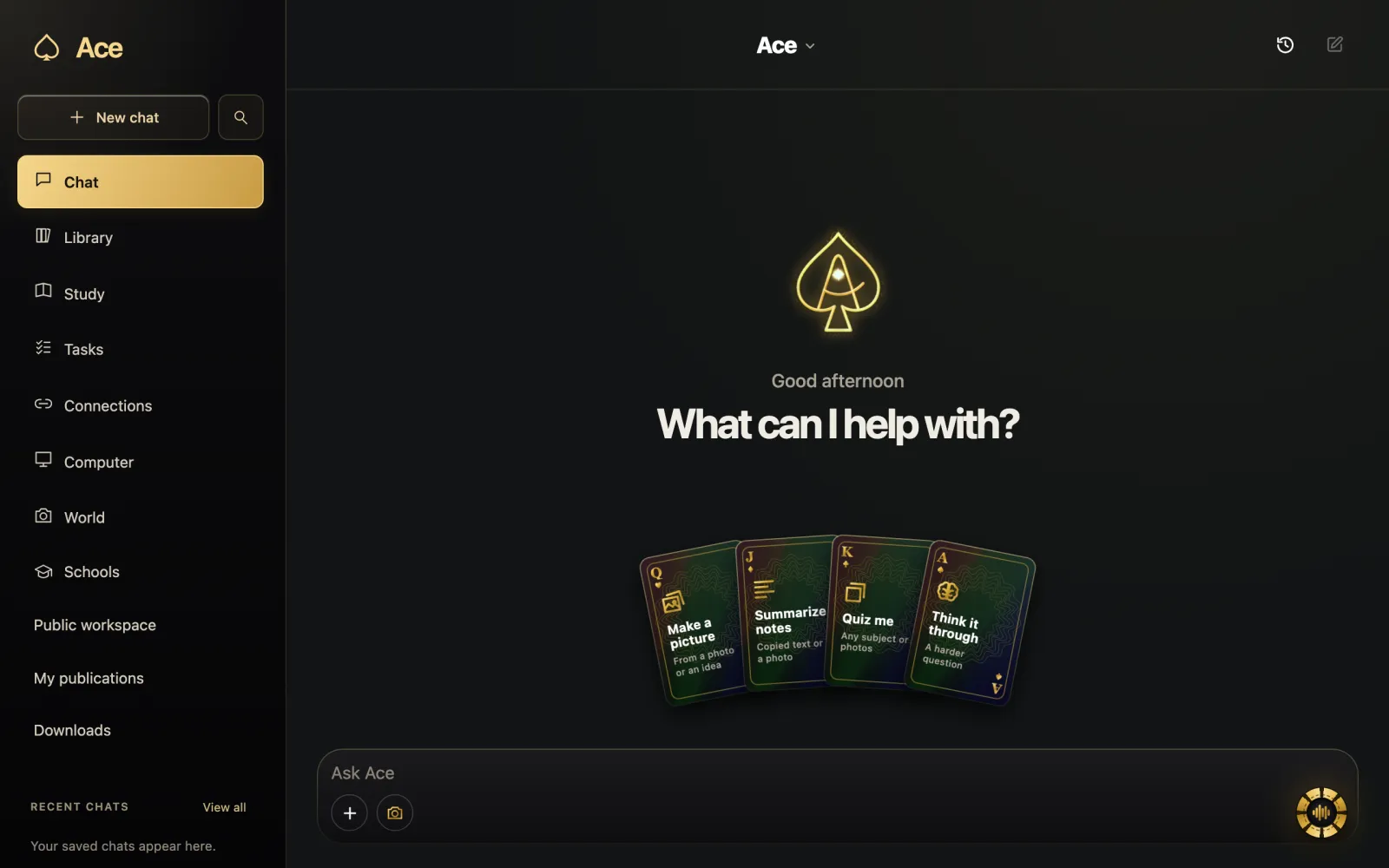
Yes, in three forms. You can paste a screenshot into a chat assistant that accepts images, start a screen-sharing session in an assistant that offers one, or install a desktop assistant with a free allowance. Ace’s Free Play gives 2,000 credits with no card, on Mac, Windows, Linux and your phone, and each question spends some. Here is what each route costs and where it stops.

Free Play: 2,000 credits, no card. Ace by Black Label.

Three free routes, compared
| Route | How it sees | What it costs | The catch |
|---|---|---|---|
| Paste a screenshot into a chat assistant | Only the picture you capture and upload | Depends on that assistant’s free tier | Several steps for every question |
| Start a screen-sharing session | Your screen, from when you start sharing until you stop | Set by each provider; some sessions need a paid plan | Varies by device, region and account |
| Install a desktop assistant with free credits | One capture each time you ask | Ace: 2,000 free credits, no card | Credits run out; then a top-up or a plan |
This guide is written by the team that makes Ace, so check each provider’s own pages for current terms before you choose.
The screenshot route, done well
It is free in the sense that you already own the tools: your system’s screenshot feature and a chat assistant that accepts images. It also gives you the tightest control over what is shared, because you decide exactly what is in the picture. The cost is friction: capture, crop, upload, type the question, and repeat for every follow-up that needs a fresh view. For a one-off question that is fine. Across an afternoon of work it adds up.
Screen-sharing sessions in other assistants
Some assistants let you share your screen for a whole conversation. Microsoft’s support page for Copilot Vision describes starting a voice conversation, then choosing to share your screen, with a Stop sharing button to end it; the same page says personal accounts need a Microsoft 365 Personal, Family or Premium subscription and work or school accounts need a Microsoft Copilot license. Google’s Gemini help describes turning on screen sharing from the Live screen of the Gemini app on Android, and says sharing stops when you lock the phone. Requirements change as features roll out, so read those pages before counting on them.
What “free” usually limits
Free versions of AI tools rarely differ in whether they can see; they differ in how much and on what terms. Before you settle on one, look for four things:
- An allowance: a fixed number of requests, a daily cap, or a balance that runs down.
- Features held back for paid plans, such as voice, live screen sharing or pictures.
- Which model answers on the free tier, which can differ from the paid one.
- The data terms that apply to free accounts, which you will find in the provider’s privacy settings and policy.
What Ace’s free credits cover
Free Play starts with 2,000 credits and asks for no card. One balance covers your computer, your phone and the web, so a question asked on a Mac and a photo asked about on your phone come out of the same pool.
Every request spends some of it, including voice and pictures. Ace does not publish a fixed price per question: the amount depends on the request, the model and the service used. The practical way to stretch the balance is to make each question count.
Making 2,000 credits last
- Scroll the part you mean into view before you ask, so the first answer is about the right thing.
- Ask one clear question with the answer format you want, instead of three vague ones.
- Follow up in the same conversation rather than starting over and explaining again.
- Save screen questions for the moments when showing beats describing.
When the free credits run out
Free Play takes no card, so nothing is charged when the credits are gone. You choose what happens next; these prices are in US dollars from tryacee.com/pricing:
| Option | Price | What you get |
|---|---|---|
| Starter top-up | $10, once | 5,000 chips |
| Reload top-up | $50, once | 20,000 chips |
| Pocket Pair | $30 a month | 10,000 hosted AI chips each month |
| Full House | $50 a month | 30,000 hosted AI chips each month |
| Table Pass | $20 a month | Ace runs on your own ChatGPT, Claude or Grok subscription |
Larger plans are on the pricing page. Top-ups are one-time and never automatic; subscriptions renew until you cancel them.
Try it in five minutes
- Create the free account with Google or an emailed sign-in link.
- Install Ace on your Mac, Windows PC or Linux computer from the account.
- Allow screen access when your system asks; on a Mac that is the Screen & System Audio Recording list.
- Open something you actually need help with, hold your hotkey and ask.
More from Ace
The full overview of how Ace helps with your screen is on tryacee.com/ai-on-screen.
Also asked
Do I need a card for the free plan?
No. Free Play starts with 2,000 credits and asks for no card, so nothing is charged when they run out.
Does the free plan include voice?
Yes. Talking and listening draw on the same balance as typed questions; voice and pictures spend credits too.
Is the phone version free as well?
Yes. Ace Mobile uses the same account and balance. On a phone it works from the camera or a photo rather than reading the screen.
Which free option is the most private?
Pasting a screenshot you cropped yourself, because you choose every pixel that is shared. With any assistant that captures the screen, close private windows before you ask.
How many screen questions do 2,000 free credits cover?
It varies, because Ace does not publish a fixed price per question: the amount depends on the request, the model and the service used. Every request spends some of the balance, including voice and pictures, and one balance covers your computer, your phone and the web.
What happens when my free screen credits run out?
Nothing is charged, because Free Play takes no card. You choose what happens next: a Starter top-up of $10 for 5,000 chips, a Reload top-up of $50 for 20,000 chips, or a subscription. Top-ups are one-time and never automatic, while subscriptions renew until you cancel them.
Does Copilot Vision need a Microsoft 365 subscription?
For a personal account, yes, according to Microsoft’s support page for Copilot Vision: it says personal accounts need a Microsoft 365 Personal, Family or Premium subscription, and work or school accounts need a Microsoft Copilot license. Requirements change as features roll out, so read that page before counting on it.
What do free AI screen tools usually hold back?
Usually not the ability to see. Free versions of AI tools differ in how much and on what terms: an allowance such as a fixed number of requests, a daily cap or a balance that runs down, features held back for paid plans such as voice or live screen sharing, and which model answers on the free tier.
Is pasting screenshots into a chat assistant a workable free option?
Yes, for a one-off question. It uses tools you already own, and you decide exactly what is in the picture. The cost is friction: capture, crop, upload, type the question, and repeat for every follow-up that needs a fresh view. Across an afternoon of work, that adds up.
How do I make my free credits last longer?
Make each question count. Scroll the part you mean into view before you ask, ask one clear question with the answer format you want instead of three vague ones, follow up in the same conversation rather than starting over, and save screen questions for the moments when showing beats describing.
What do I need to try Ace’s free screen help on my computer?
A free account and the desktop app. Create the account with Google or an emailed sign-in link, install Ace on your Mac, Windows PC or Linux computer from the account, and allow screen access when your system asks. Then open something you actually need help with, hold your hotkey and ask.
More questions
Deal yourself in.
More about Ace
Sources
- Get started with vision capabilities in Microsoft Copilot | Microsoft Support, Microsoft Support. Checked November 14, 2026.
- Talk naturally with Gemini Live - Android phone & tablet - Gemini Apps Help, Google Gemini Help. Checked November 14, 2026.